

Designing with AI–Powered Tools
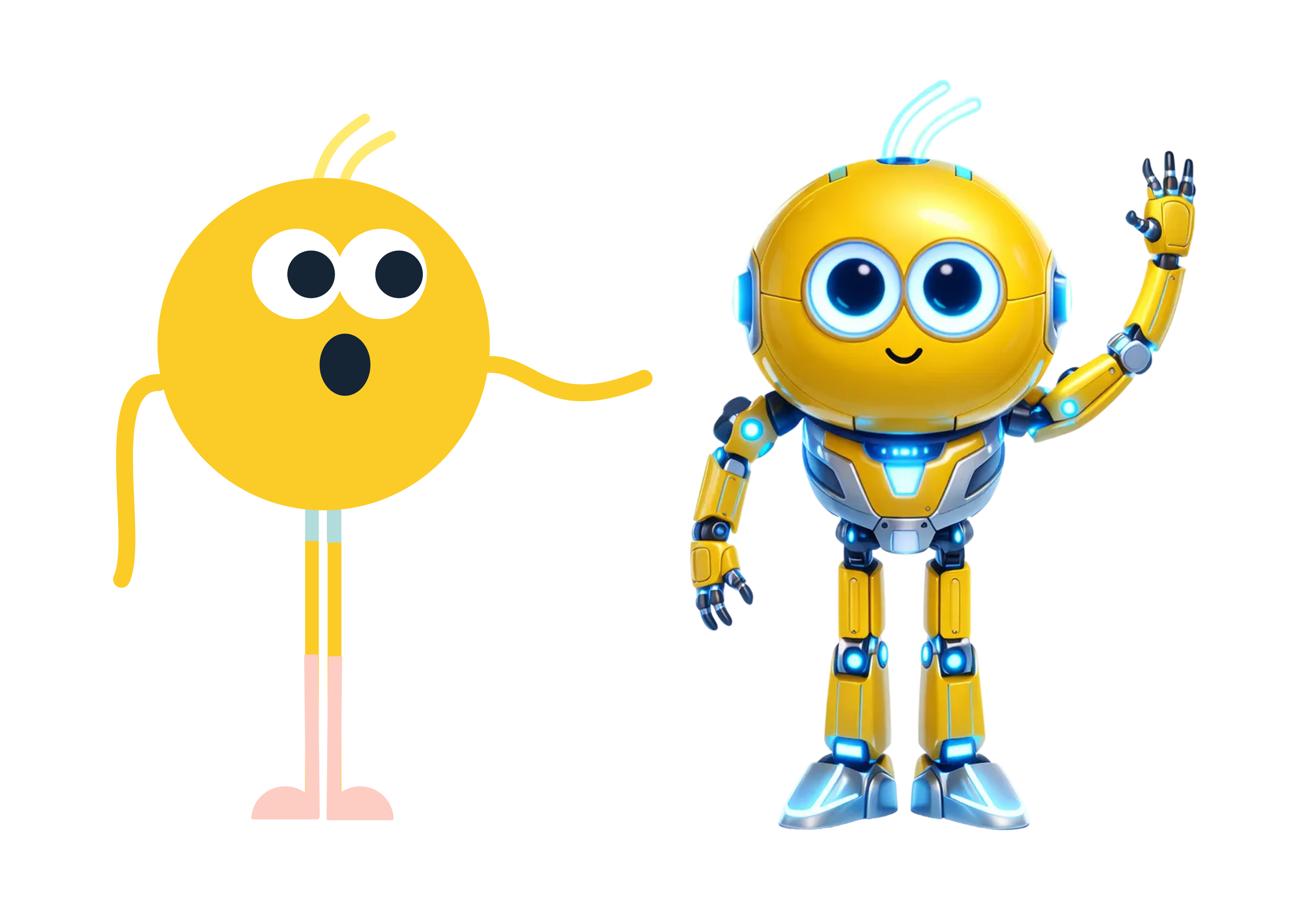
Welcome to my AI Laboratory! This is where you will find projects that experiment with AI and leverage it to enable better design and productivity. Most recently I have been shipping end to end experiments, designing in production code, building coded prototypes for usability tests. I keep this project up to date with what I’m building with AI.
From no coding experience to shipping end to end experiments
7AI tools utilized
4Experiments shipped
200+Teammates upskilled
My AI Toolkit
Claude Code

Cursor
Figma Make

Claude Design
Figma Weave

ChatGPT
Jitter

Shipping End to End Experiments
What: Shipped four end to end experiments, from writing the PRD to designing, building, launching and analyzing the results.
Tools: Claude Code and Figma MCP
Impact: Using Claude Code to own the full experiment lifecycle has shortened the time from idea to insight and cut handoffs between design, product, and data, so the team can test more ideas and make decisions based on real user behavior.
Designing Directly in the Code Base
What: Iterative design explorations for a new MasterClass plan, prototyped in production code with animated brand elements.
Tools: Claude Code and Figma MCP
Impact: Designing in the codebase means reviewers see and click through the real product, not a mockup. Feedback is faster and more accurate, and engineers get a working starting point instead of a static handoff.
Coding prototypes for usability tests
What: Fully functional coded prototype of MasterClass quiz variant
Tools: Claude Code and Figma MCP
Impact: This fully functional prototype yielded more accurate usability feedback and set a new standard for how our team runs UXR on complex flows.
Scaling the Design System With AI
What: Coded prototype using the MasterClass Design System Claude Skill that I created
Tools: Claude Code and Figma MCP
Impact: Training Claude on the MasterClass design system and packaging it as a shareable skill has made MasterClass design output accessible to the whole team and enabled idea generation that matches the look and feel of our product.
Making Presentations 3x Faster
What: MasterClass Presentation System Claude Skill
Tools: Claude
Impact: Training Claude on the MasterClass Presentation Design system and packaging it as a shareable skill resulted in a 67% reduction in time put into building presentations and unlocked a new level of productivity for over 200 employees in the company.
Creating AI videos for better storytelling
What: AI-generated video for the MasterClass quiz
Tools: Claude Design, Figma Weave, Jitter
Impact: Created a reusable AI video framework that enables the product design team to create high-quality video assets without a full production pipeline.
Building an internal tool for the company
What: Coded Internal Tracking Tool
Tools: Cursor
Impact: This experiment tracker was my first deep exploration of AI-assisted visual development. It's now being used across the entire product team to keep track of our test ideas.
What’s Next?
I'm staying close to what's emerging: new tools, new workflows, new ways AI is changing how designers work. I'm currently working directly in the MasterClass codebase and picking up fundamental coding skills.
View Other Projects

MasterClass 🤖 AI Team
MasterClass 💍 Engagement Team